Meet Alia: how an AI agent changed my entire development workflow
I stopped using AI as a search engine. I started using it as a system. Here's what that shift actually looks like day-to-day — and why context architecture matters more than model choice.
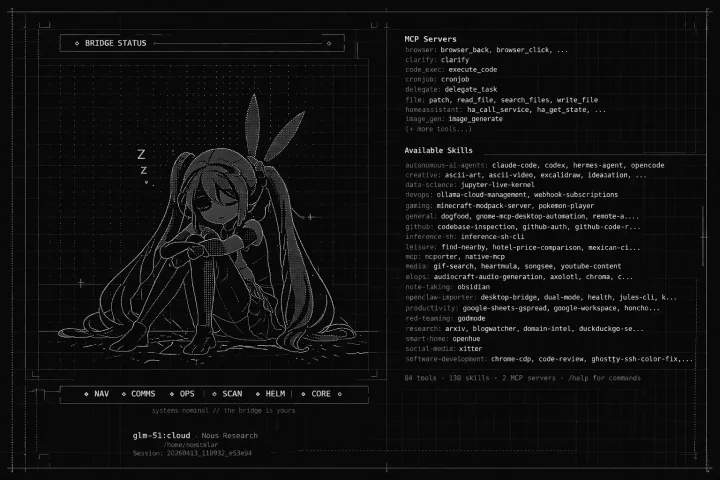
Most people use AI like a search engine with better grammar. Or as a copilot code agent. You ask a question, you get an answer, you close the tab.
That’s not wrong. But it’s also not the interesting part.
The interesting part is what happens when the AI has context — real, persistent, structured context about who you are, how you work, and what you’re trying to build. That’s when it stops being a tool and starts being something closer to a collaborator.
What changed
I’ve been building Alia — my personal AI agent — on top of Hermes for a few months now. The name is mine, but the system is real: she runs on my machines, connects to my calendars, reads my code, manages my tasks, and talks to me through WhatsApp. I was already using tools like ChatGPT, Claude, Gemini, many coding platforms, files, Google Sheets, web pages — my workflow was all over the place.
The shift wasn’t in the model. It was in the architecture.
When I stopped treating AI as a one-shot Q&A system and started building it as a stateful layer in my workflow, everything changed. Suddenly I wasn’t re-explaining context every session. I wasn’t copy-pasting code into chat windows. I wasn’t asking “what was that command again?”
The agent knows. Because I built it to know.
The actual setup
Initially, my setup was simple but effective. As I experimented, I ended up with a bunch of subscriptions burning through token limits until I found the formula that let me work with it all day.
This is not a paid product. It’s a configuration on top of open infrastructure:
- Hermes as the agent runtime, running on a Linux machine (I can’t afford a Mac Mini yet)
- Notion for writing and text analysis (this post is stored there too)
- GitHub for code context
- WhatsApp as the primary interface (because that’s where I actually live)
The key insight: the bottleneck is never the model. It’s the context pipeline. If your agent doesn’t have access to the right information at the right time, it doesn’t matter how smart the underlying LLM is.
Things I tried:
- Ollama:Cloud — $20 [Kimi k2.5, GLM-5, Minimax 2.5, GPT-OSS-120B]. Very good, generous quotas. Issues executing tools or finding models. Integration works better from their provider directly rather than as an external provider.
- Minimax Coding Plan — $20 [Minimax 2.5]. Nearly infinite limits. Sometimes responds with Chinese or Japanese characters — terrible for speaking Spanish.
- Z.AI Coding Plan — $39 [GLM-5]. Good, quite capable, acceptable limits. Expensive compared to Ollama and Minimax.
- Claude Pro — $20 [Opus 4.6, Sonnet 4.6]. The perfect provider — impeccable tools, recommendations, proactive. Terrible limits: you burn through ~5 requests, then wait 5 hours to continue.
- ChatGPT Plus — $20 [GPT-5.3-Codex]. Balanced, proactive, occasional tool execution. Friendly (sometimes too much), lacking in computer use — more on that later.
The first tasks I gave her were simple. Check this, detail that, connect to my phone, set reminders, search Google Maps. Tasks any AI chatbot could handle without issues — a good first month of adaptation. Then came the code tasks, plans, file transformations — that’s where the problems started.

What it looks like in practice
I wake up. I open WhatsApp. Alia already knows what’s on my calendar, what PRs are open, and what I was working on yesterday.
I don’t ask for a summary. It’s just there — injected into the session context automatically.
Another great example is personal apps — applications you’re never going to publish, but that only you or your small circle will use. In my case, I built a finance management app with Alia. We iterate on it constantly, and we’ve reached a pretty solid version that automates my finances and lets me see them at all times. Sometimes I just take a photo of a receipt and Alia logs it; other times it’s a full bank statement with balances, yields, purchases, and payments.
Some screenshots of the system she built and our workflow:
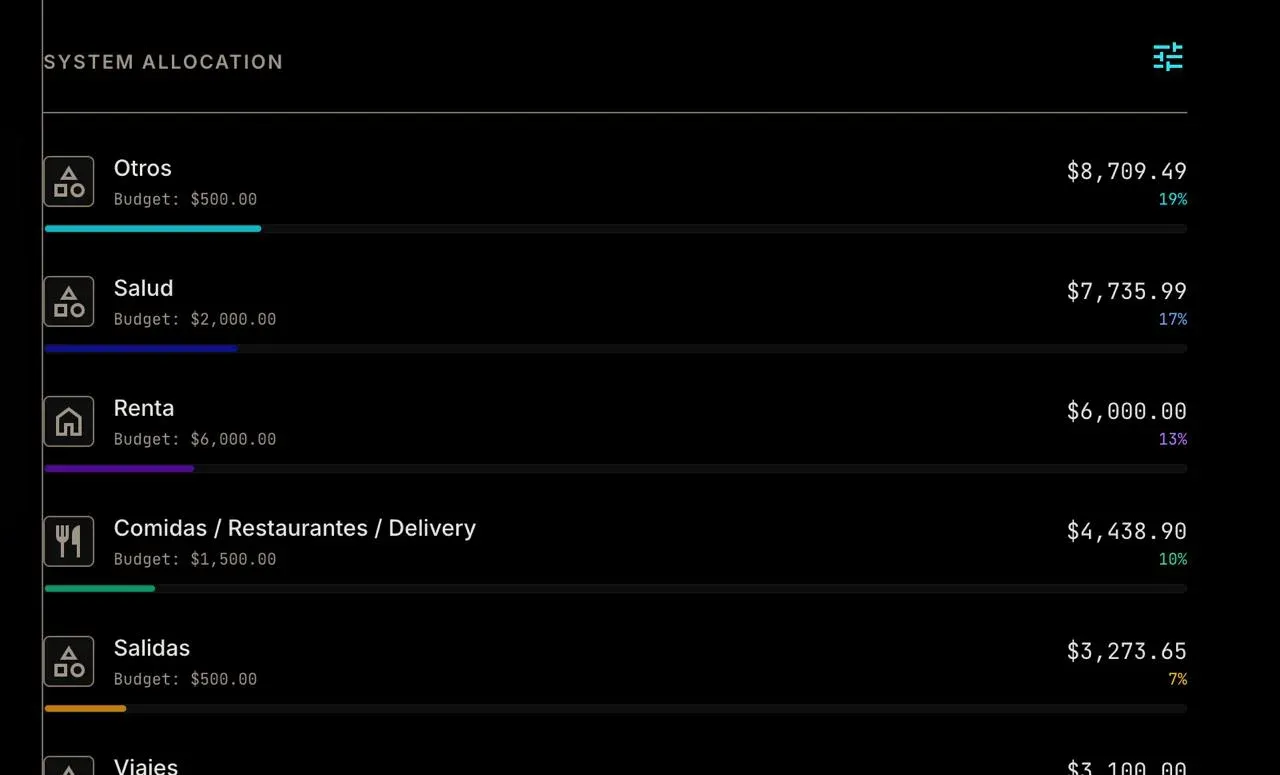
System allocation view — spending by category with progress bars.
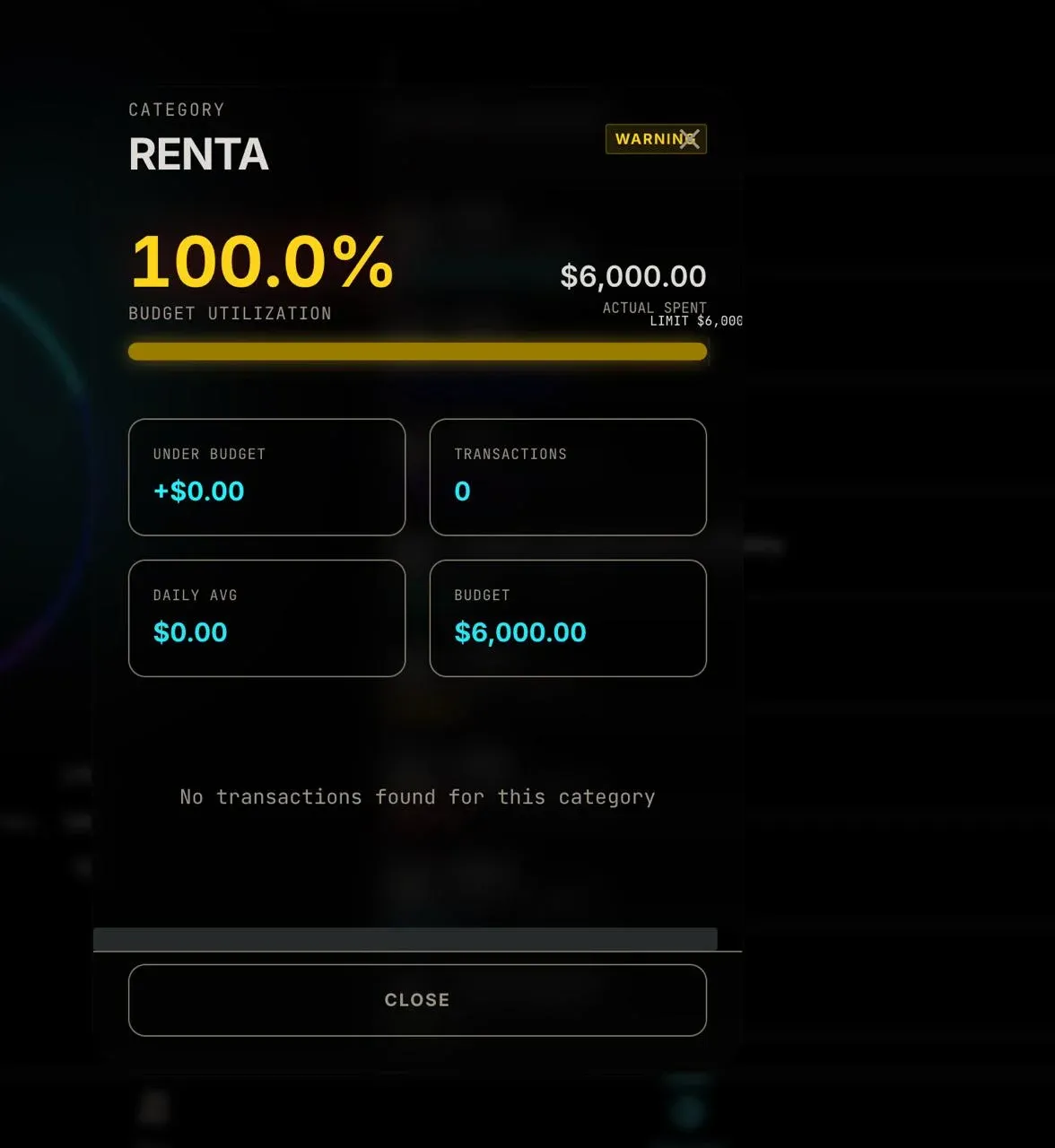
Drilling into the Renta category — budget utilization at 100%.
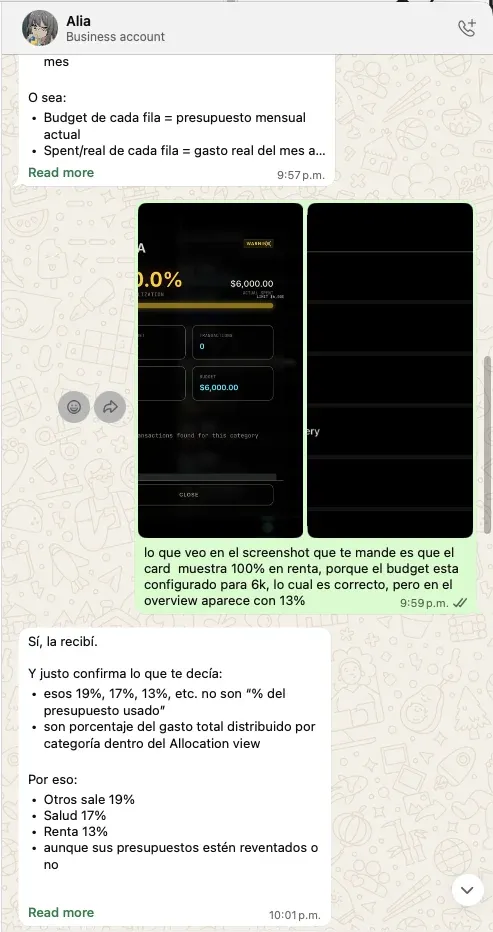
Transaction list with real-time tracking.
When I’m coding, she can see the repo. When I’m writing, she knows the blog’s voice and style. She tracks my finances, builds dashboards, monitors products I want to buy, sends me daily AI news. When I’m stressed, she knows that too — and adjusts accordingly.
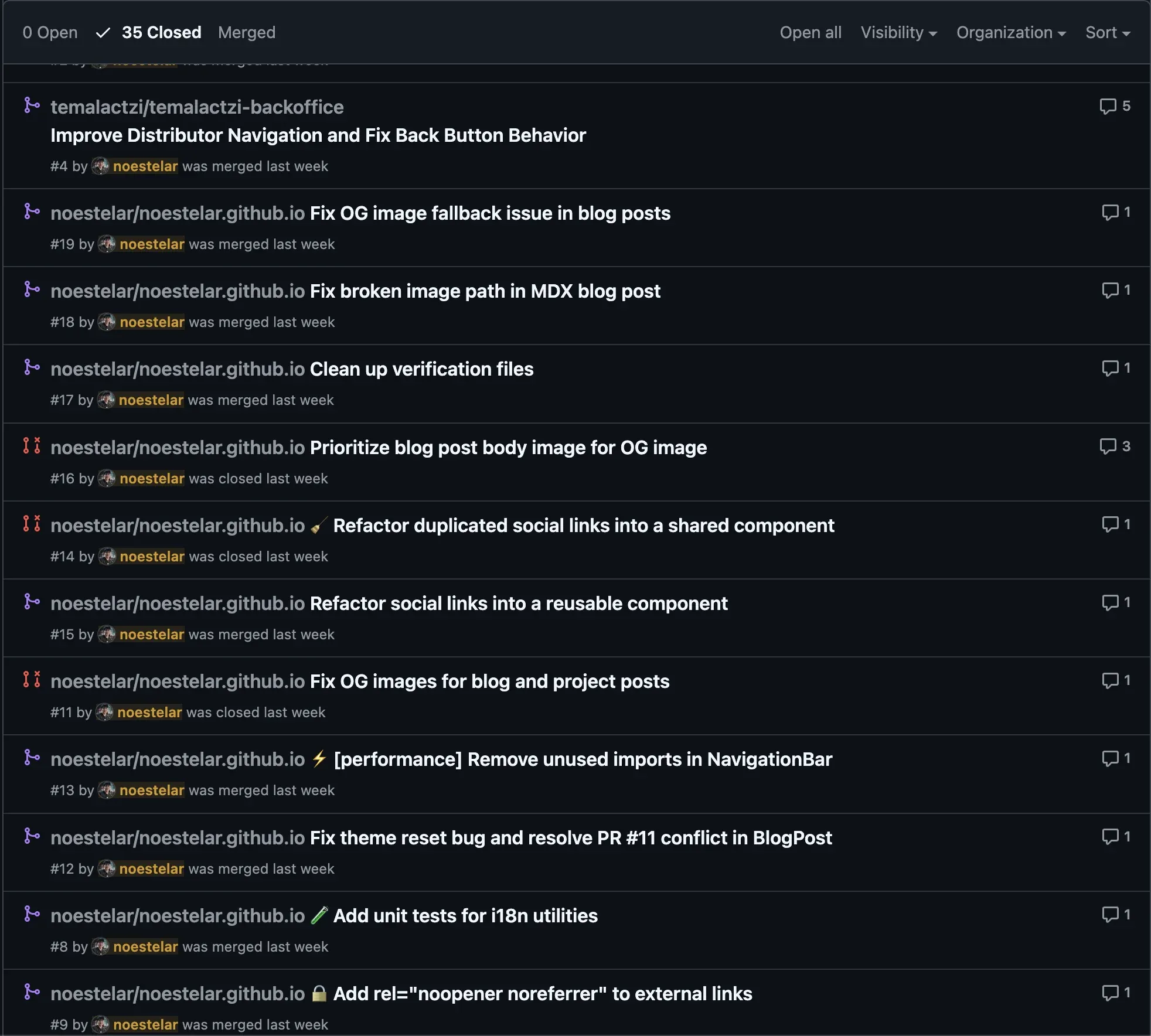
She resolved and reviewed 15 PRs across different repositories, fixed issues with the website:
It’s not magic. It’s plumbing. Very, very intentional plumbing.
The part nobody talks about
The most important thing I’ve learned from this experiment is how AI adapts to people’s daily lives. It will become less and less strange to see people who have an AI agent built just for them and their context. They’re increasingly part of the conversation. The hardest part of building an AI-powered workflow isn’t the AI. It’s the data hygiene.
What does your agent actually need to know? How do you keep that context fresh without it becoming noise? How do you structure information so a language model can actually use it?
These are information architecture problems. And solving them is where the real leverage is.
More on that in a future post.